> ## Documentation Index
> Fetch the complete documentation index at: https://docs.bosscart.io/llms.txt
> Use this file to discover all available pages before exploring further.
# Shippo
> Simplify shipping and save on every label. The Shippo integration connects your store to Shippo’s powerful rate-shopping and label-printing tools, giving you instant access to...
### Shippo Fulfilment
Simplify shipping and save on every label. The **Shippo** integration connects your store to Shippo’s powerful rate-shopping and label-printing tools, giving you instant access to multiple carriers and discounted shipping rates all from one easy setup.
With Shippo, you can compare prices, choose the best delivery options, and ship orders without leaving your fulfilment flow. It’s a flexible, lightweight solution built for merchants who want control without complexity.
To get connected open your Shippo dashboard and **select the API tab**, from there you need to **create a token**
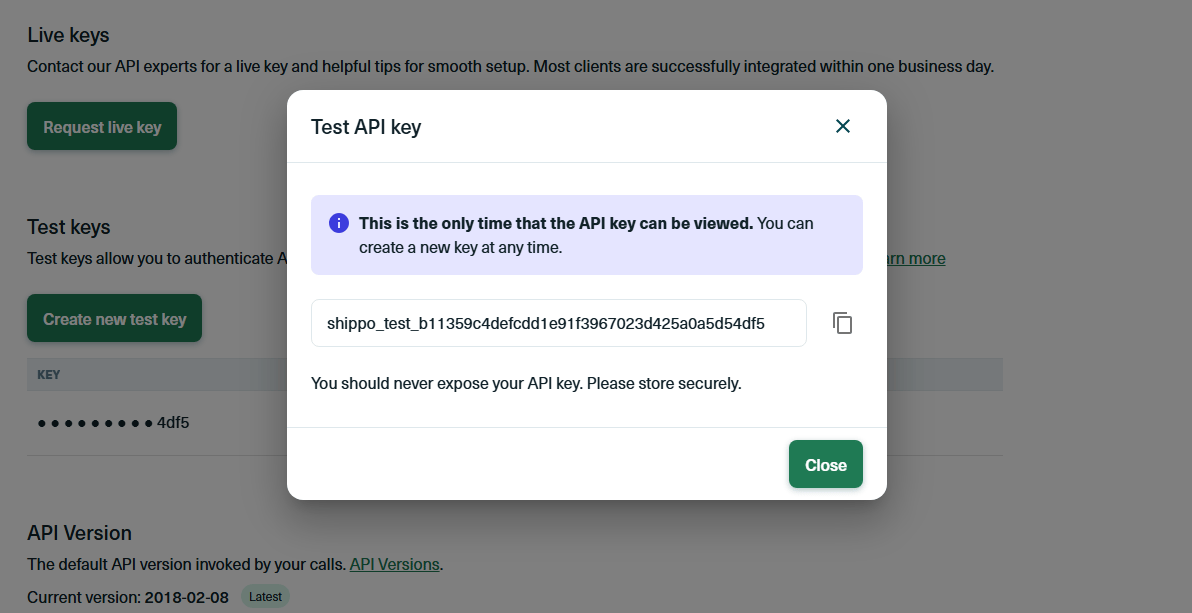
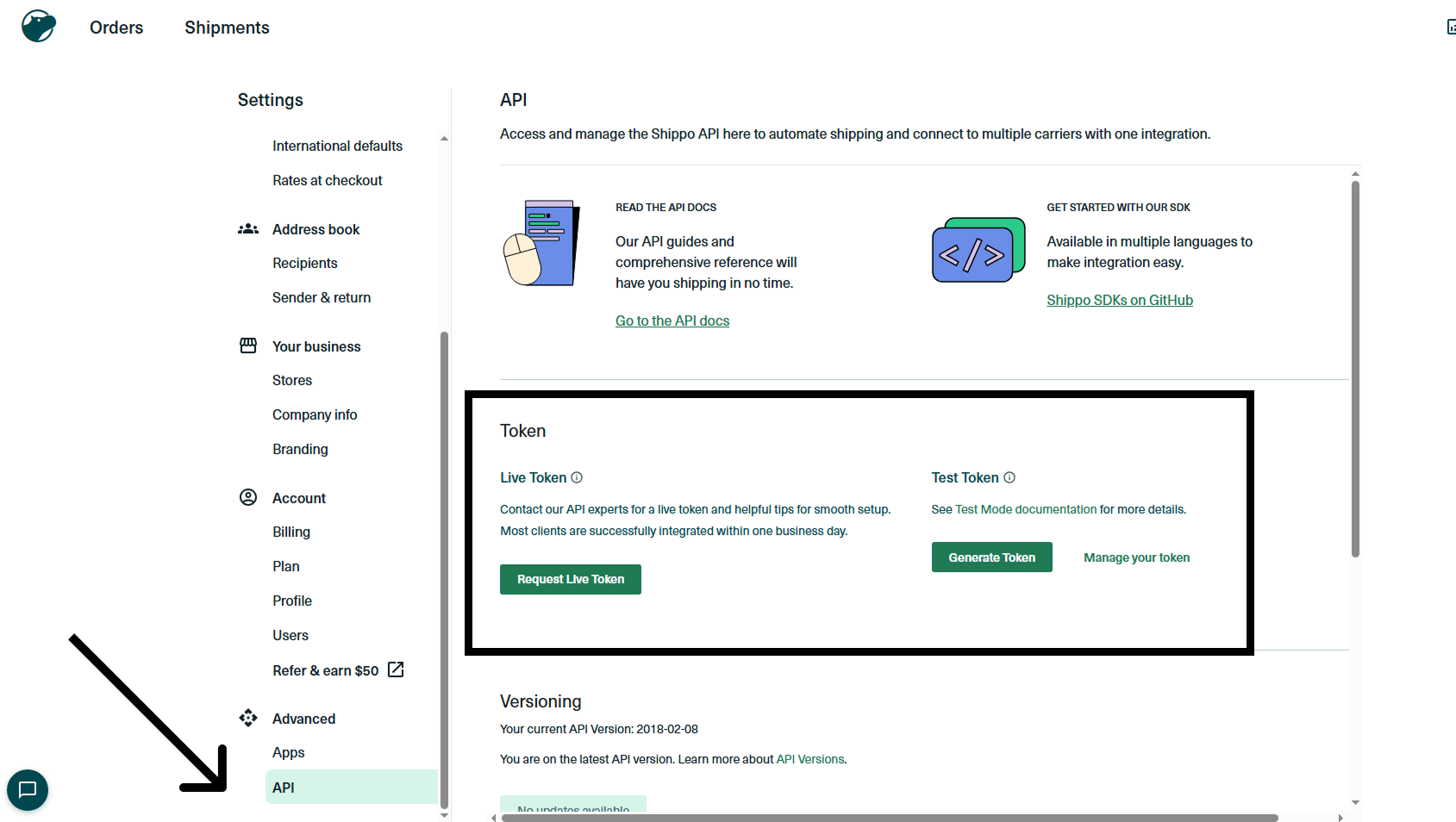 Once you select your token, your API key will be displayed. Use this key to sync Shippo with your ecommerce store.
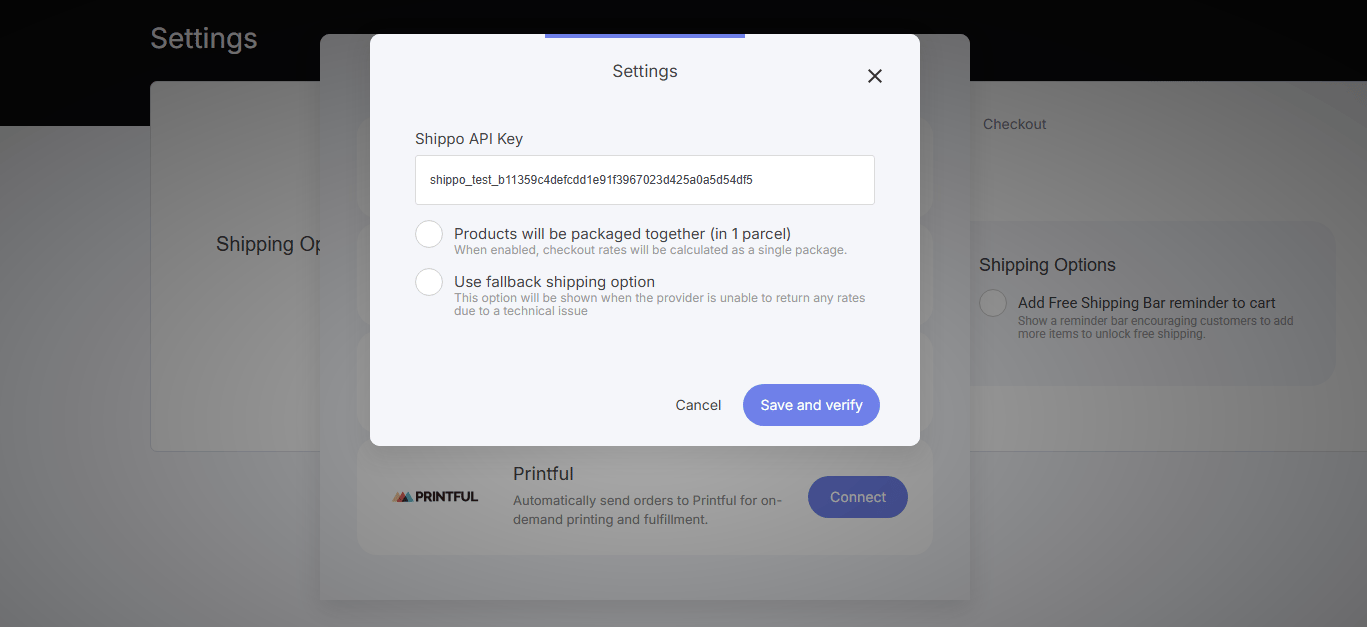
 Now navigate to your ecommerce store tab and select > **Settings** > **Add Integration**. You will now see the Shippo Integration. Click Select
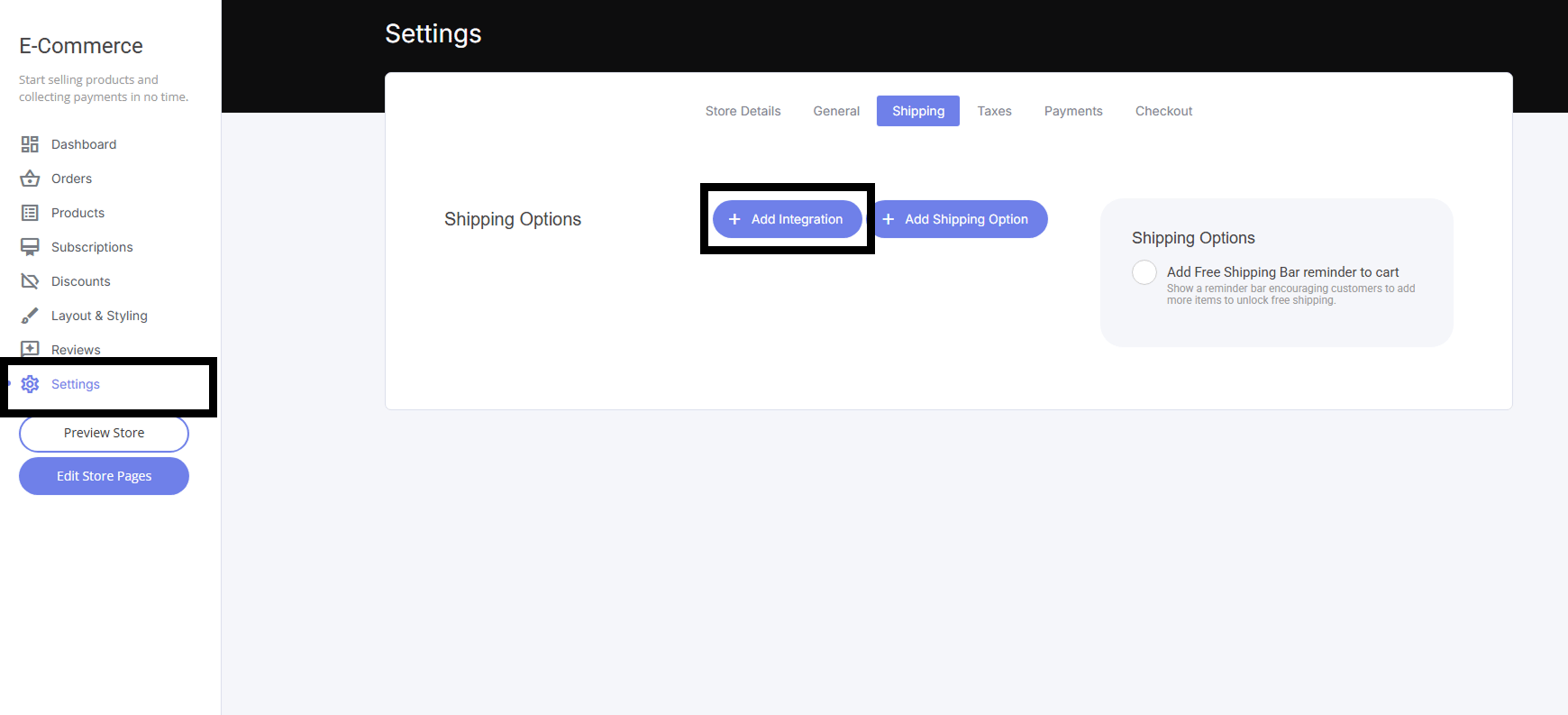 Now paste in your Shippo API Key as shown
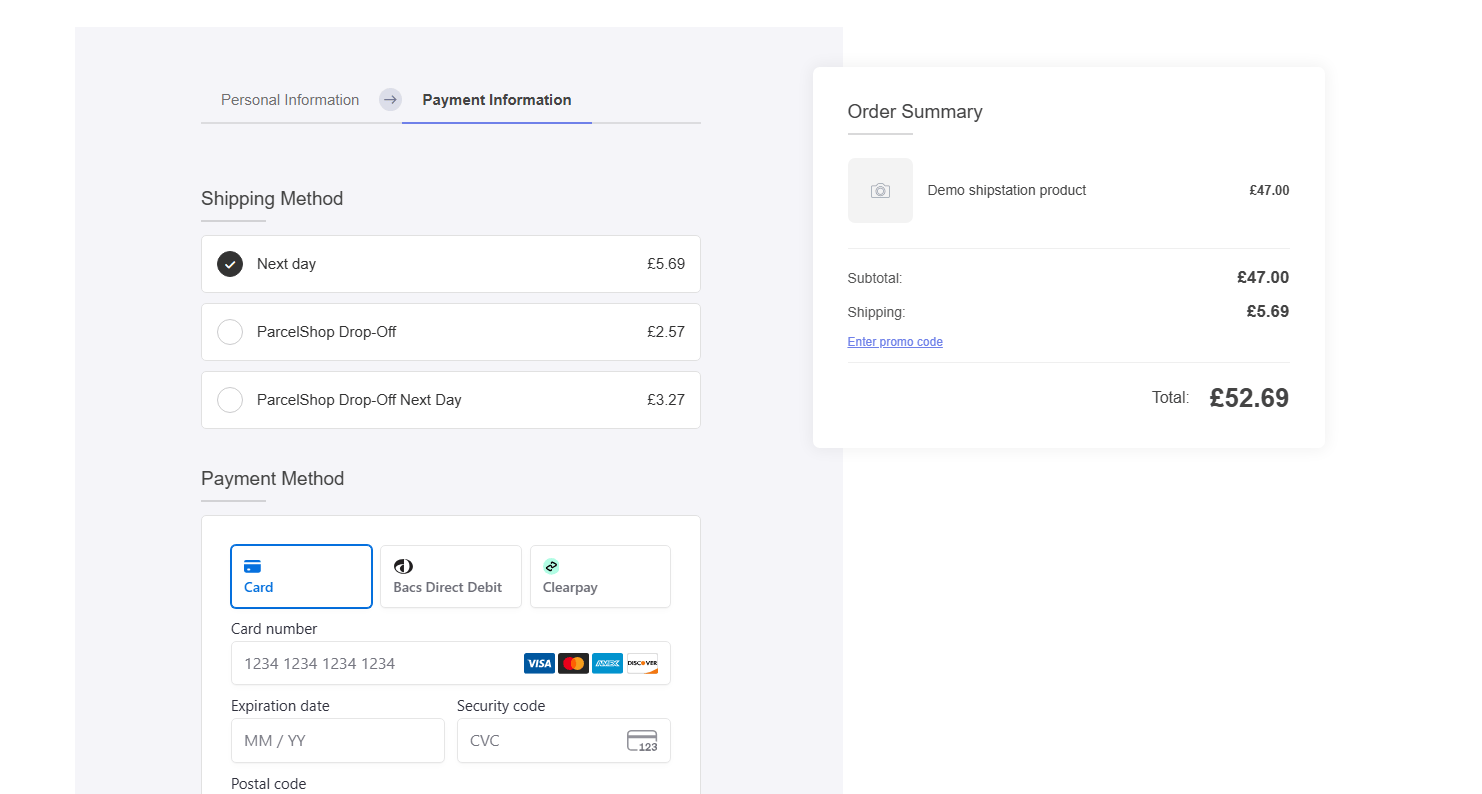
 Once connected, your Shippo delivery options will automatically appear at checkout, with shipping costs already populated in the order summary.