> ## Documentation Index
> Fetch the complete documentation index at: https://docs.bosscart.io/llms.txt
> Use this file to discover all available pages before exploring further.
# CRM Tags
> Creating Tags to Segment Your Audience
#### **Creating Tags to Segment Your Audience**
Tags are a great way to **organize and categorize your contacts** for better audience segmentation.
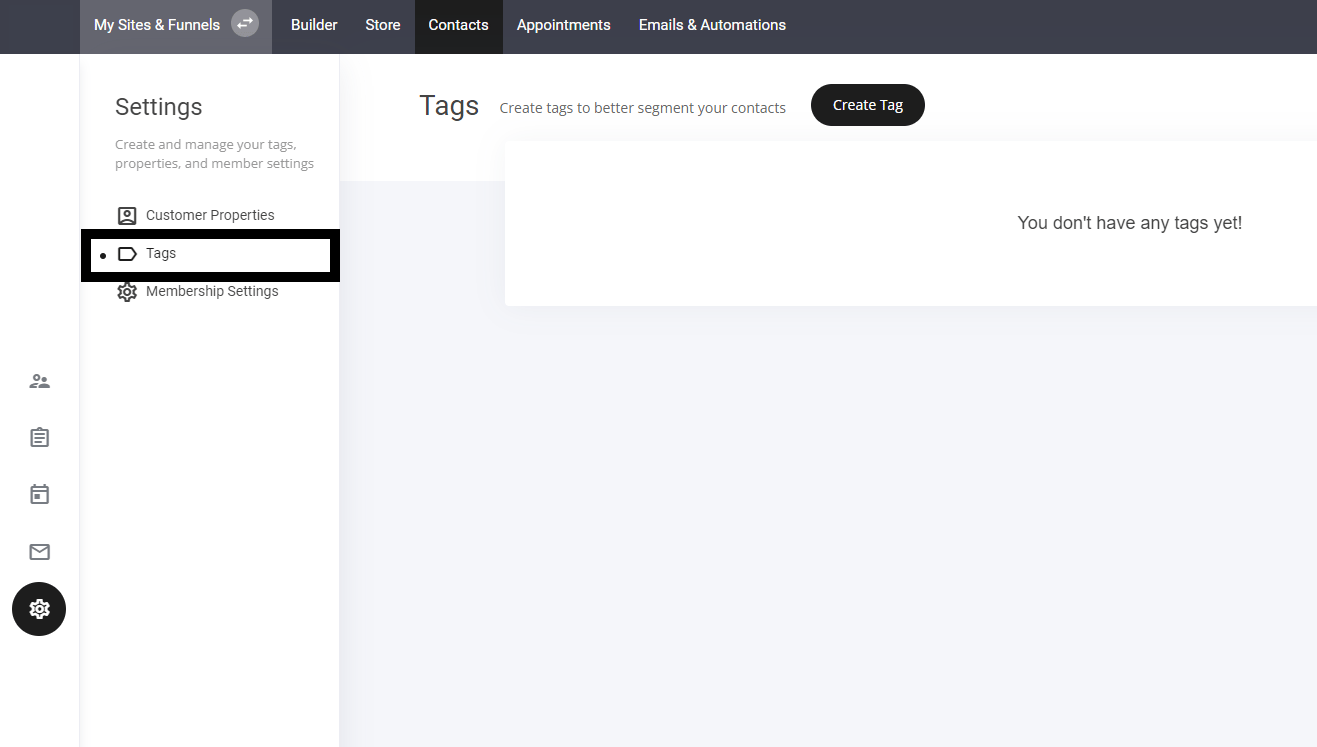
* **Go to the Contacts Tab** – Open your contacts management section.
* **Select the Tab Icon** – Navigate to the tagging feature to create new tags.
* **Apply Tags Strategically** – Use them to **group contacts by interest, purchase behavior, or engagement level**.
This makes it easier to manage your audience and tailor communication effectively!
 Once you created a new tag it will display in your tags list. You will also be able to view all contacts who have a specific tag added to their profiles
You can also create tags on various widgets such as checkouts, forms, trigger automations and more. To help speed up your tag creating process.
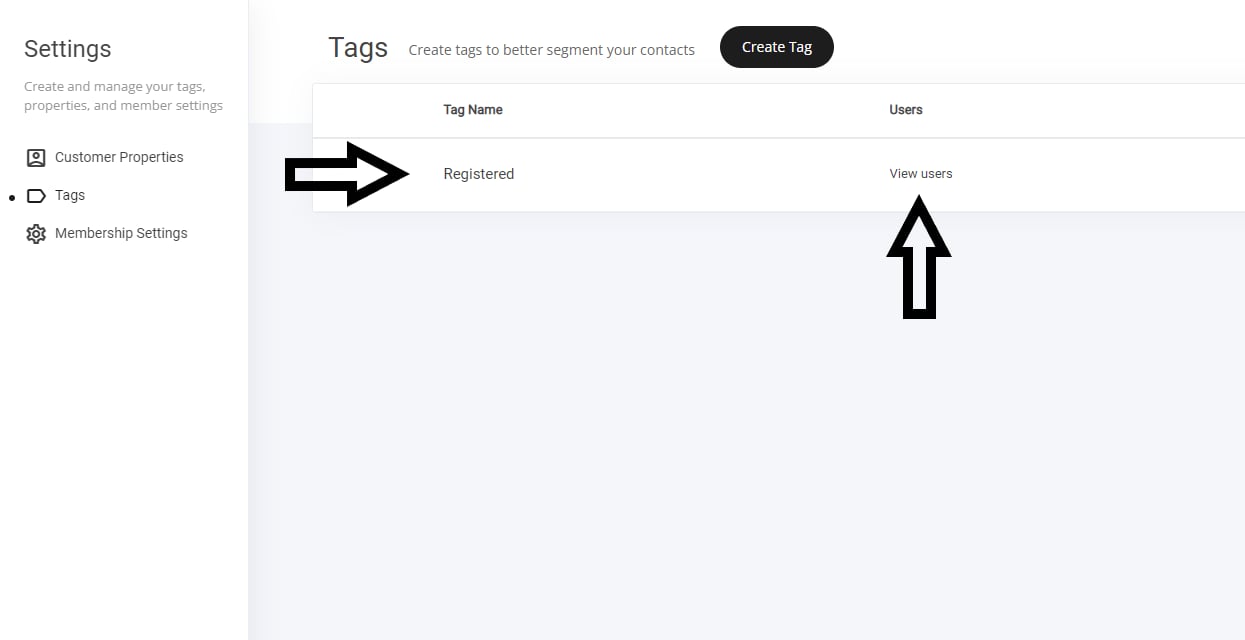
Once you created a new tag it will display in your tags list. You will also be able to view all contacts who have a specific tag added to their profiles
You can also create tags on various widgets such as checkouts, forms, trigger automations and more. To help speed up your tag creating process.