> ## Documentation Index
> Fetch the complete documentation index at: https://docs.bosscart.io/llms.txt
> Use this file to discover all available pages before exploring further.
# Community Dashboard
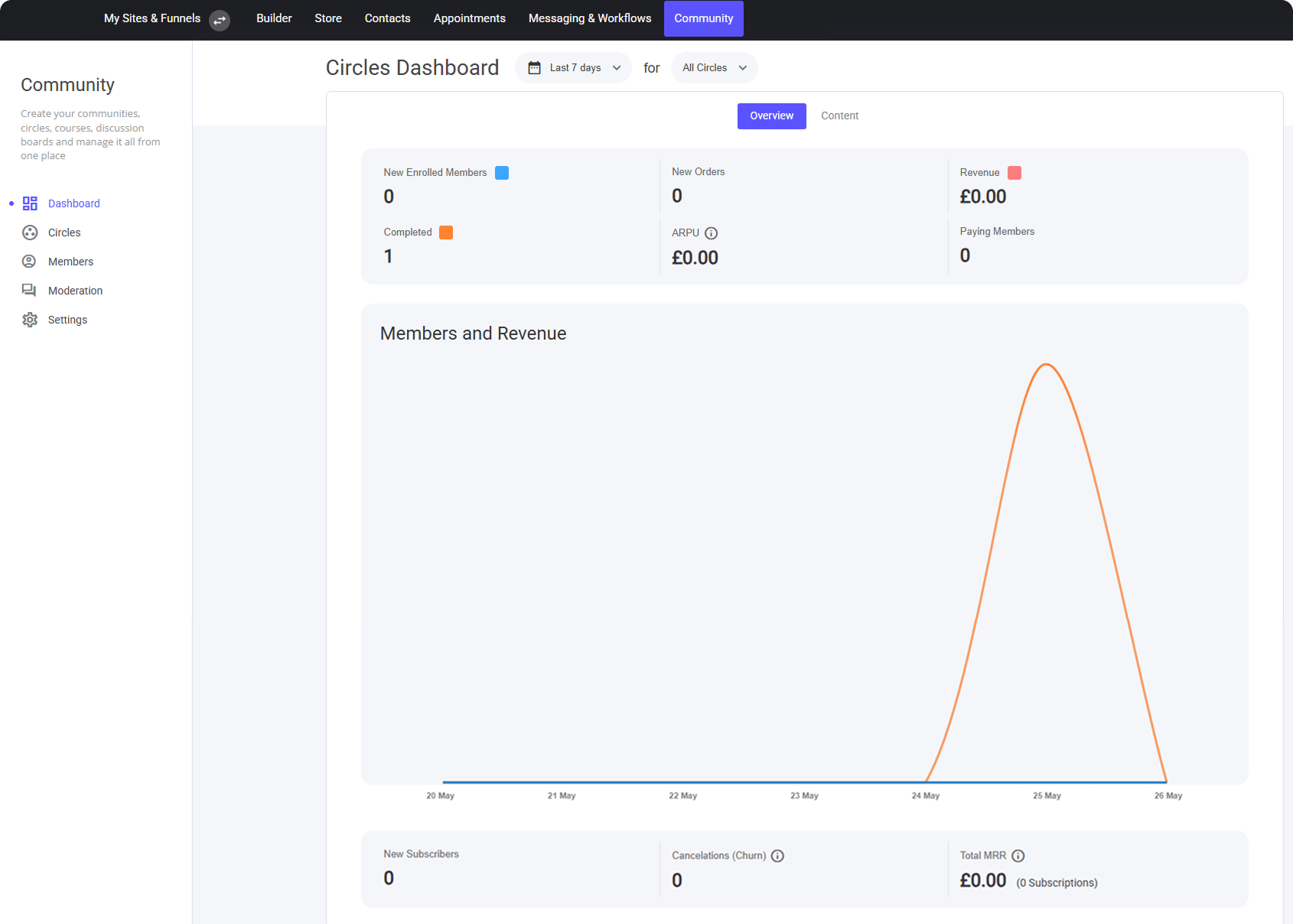
> Within the Community Dashboard tab, located on the left side of the screen, you can view general information about your Circles, including member counts, revenue generated...
Within the Community Dashboard tab, located on the left side of the screen, you can view general information about your Circles, including member counts, revenue generated within a specific Community or Circle, and insights into engaged content such as videos and more.
 ### The Content Tab
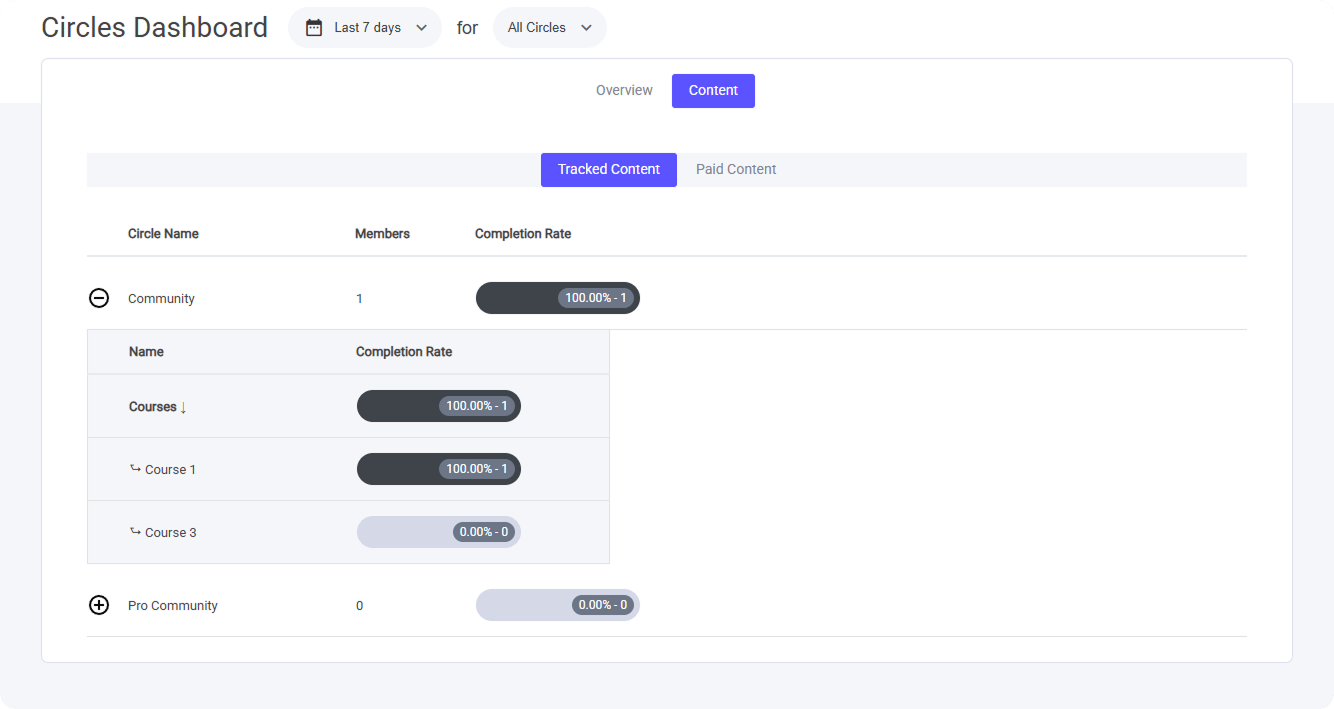
Within the Content tab, you can view all video content you’ve set to be tracked. If you offer paid access to your Communities or Circles, you’ll also be able to view related data there.
### The Content Tab
Within the Content tab, you can view all video content you’ve set to be tracked. If you offer paid access to your Communities or Circles, you’ll also be able to view related data there.
 **Note**: The data and analytics shown here provide a general overview covering all members. If you need more granular data for a specific member, you can view it within their CRM profile in the [Contacts](/builder/platform/crm/contact-profiles) tab.